PyMolAI
Have a conversation with your molecules. Ask questions, visualize structures, and discover insights—all through natural language.
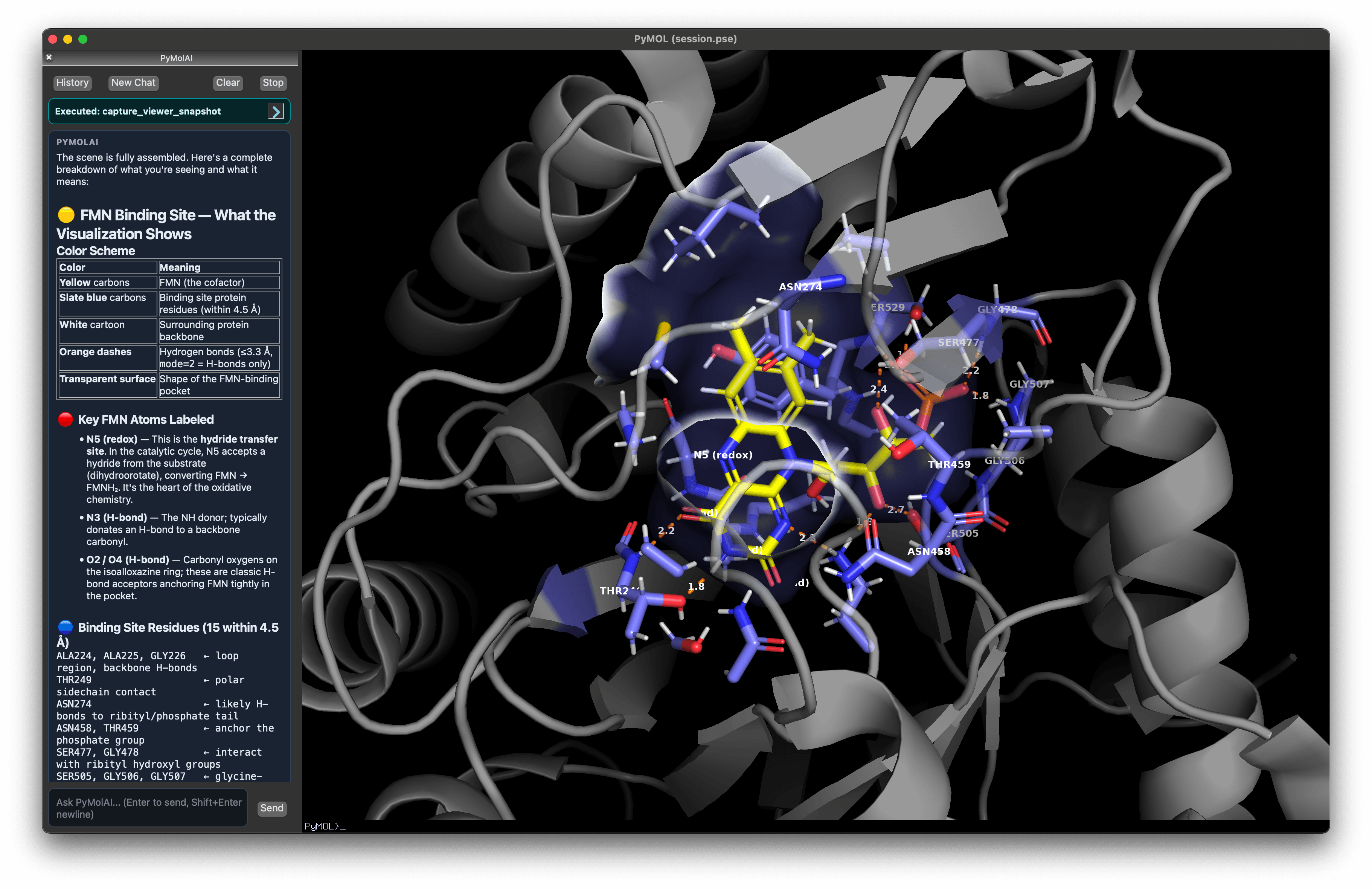
Reception
Word got out
What you can do
Your molecules. Your conversation.
An AI with full access to your session — not a chatbot bolted on.
Sessions that remember everything
Chat history, every command, and the PyMOL session file saved together automatically. Pick up exactly where you left off — search across hundreds of past sessions in seconds.
The AI sees your workspace
Which structures are loaded, which atoms are selected, how your viewport is oriented — right now. Select residues and ask. No explaining needed.
It verifies its own work
After every significant command the AI captures your viewport and checks the result before reporting back. If something went wrong, it corrects itself.
Work Mode and Tutor Mode
Work Mode gets things done efficiently. Tutor Mode explains every command as it runs — turning each session into a lesson.
Publication-quality figures on demand
Describe the figure you need — orientation, coloring, style, background. The AI runs it, validates visually, and iterates until it matches.
Example prompt
"Surface view of the binding pocket, colored by electrostatic potential, white background, 300 dpi"
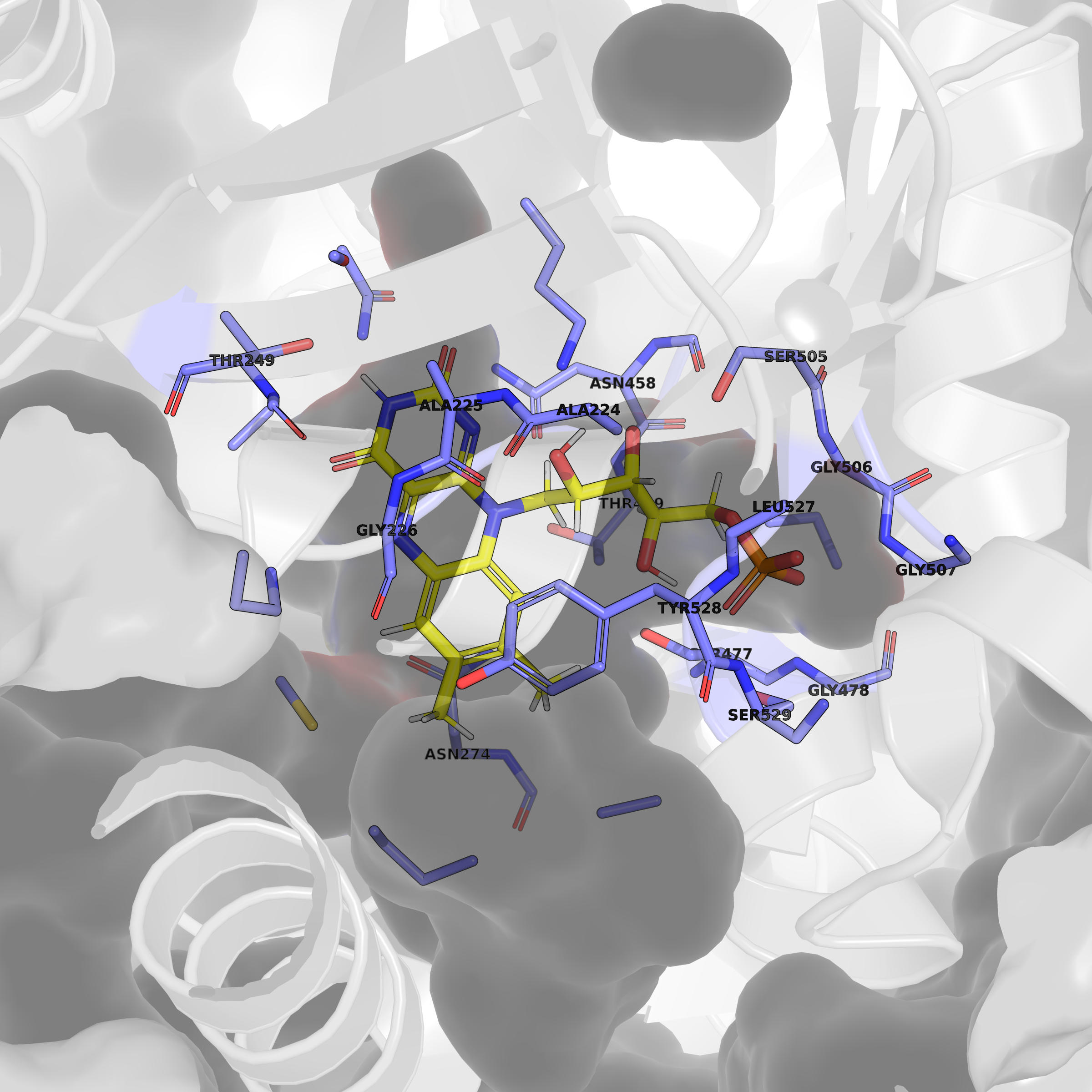
Generated from a single natural-language prompt
Extend with OpenBio
A growing library of bioinformatics tools
Connect your OpenBio API key and the AI gains access to sequence analysis, structure prediction, database lookups, alignment tools, and more — all through the same natural-language interface.
Installation
Your AI agent
installs it for you.
No setup guides to follow. Just share one URL with Claude Code, Cursor, OpenCode, or any coding agent — and let it handle everything.
Give this URL to your agent
Example prompt
"Install PyMolAI using the runbook at pymolai.com/skills.md"
Prefer to install manually?
View on GitHub →